Compatible with Chrome and Edge
Instruction Guide
We have a simple tutorial guide which explains the features of the software extension and what each button inside the extension does. Read our tutorial and welcome guide on how to use the extension to the fullest. Use all the features of this browser software.
If you are interested in other web extensions to install, you might wish to check out the Microsoft Bing Search with Rewards extension.
Microsoft Bing Search with Rewards Extension
It allows you to complete daily offers to get points.
Track the number of points you have currently and the rewards you can redeem with these points.
The ways to get points & get rewarded is search with Bing, browse with Microsoft Edge and shop at the Microsoft and Windows stores to earn rewards.
Sponsored Link:
Other useful extensions
Another extension which would be useful to install is the iCloud bookmarks extension.
It allows to keep your Chrome bookmarks on Windows synced up with the Safari bookmarks on your iPhone, iPad, and Mac.
iCloud will store your website bookmarks so it is accessible even on your iPhone and Mac.
Try these other two extensions and see if it will boost your daily productivity.
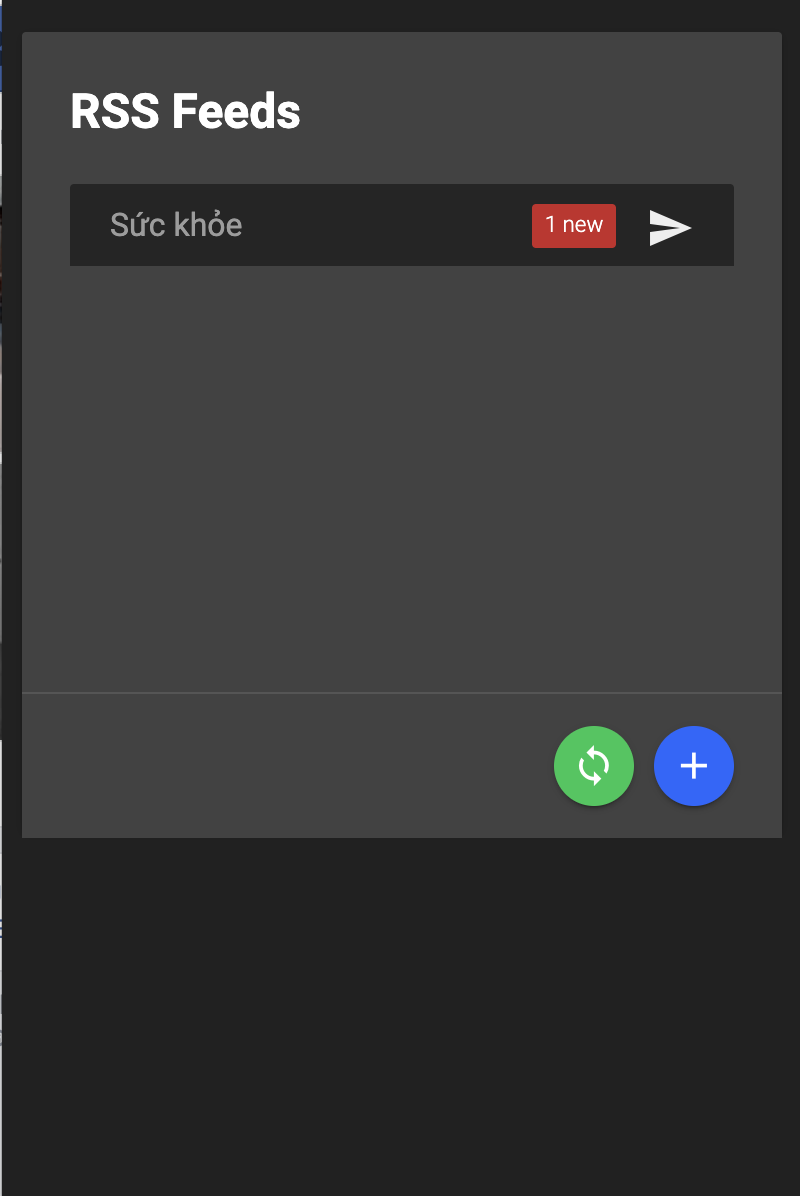
Add RSS feeds and ensure you are always updated.
Features:
Use RSS feeds with this simple extension today. Always get notified when a website is updated.
What is a RSS feed?
A RSS (Rich Site Summary, Really Simple Syndication) feed is a file that contains the latest news from sites you want to read. When you subscribe to a site's RSS feed, the news is delivered automatically to your computer, tablet or smartphone.
RSS feeds are created by publishing a list of headlines and links to articles on a website, which allows users to keep track of new content without having to visit the website itself. This helps readers find interesting content more easily without having to visit multiple websites each day.
FeedMyApp is a free RSS feed reader app for Windows 10. It lets you watch and read your favorite news websites and blogs in one place.
As a RSS reader app, FeedMyApp supports most of the popular RSS services. You can subscribe to hundreds of news websites and blogs and view them all in one place. You can also search for content on Feedly and add it to your feed list or save it as a favorite article.
FeedMyApp is available on Windows 10 desktop devices only.
RSS is a technology that allows users to subscribe to a website's content. When you subscribe to RSS, you get a notification when new content is published on the website.
Benefits of RSS:
RSS allows you to easily keep track of the latest news or updates from your favorite websites and blogs.
It saves you time because instead of visiting each site individually, you can simply subscribe to their RSS feed and check it once in a while for new content.
You'll be notified when there are updates so you don't have to keep checking all the time.
Tutorial:
- Install the Extension
- After installing the extension, click on the icon on the toolbar.
Sponsored Link: